Ring
Aurora
For Mara · order #128
New
To print
Printed
Delivered
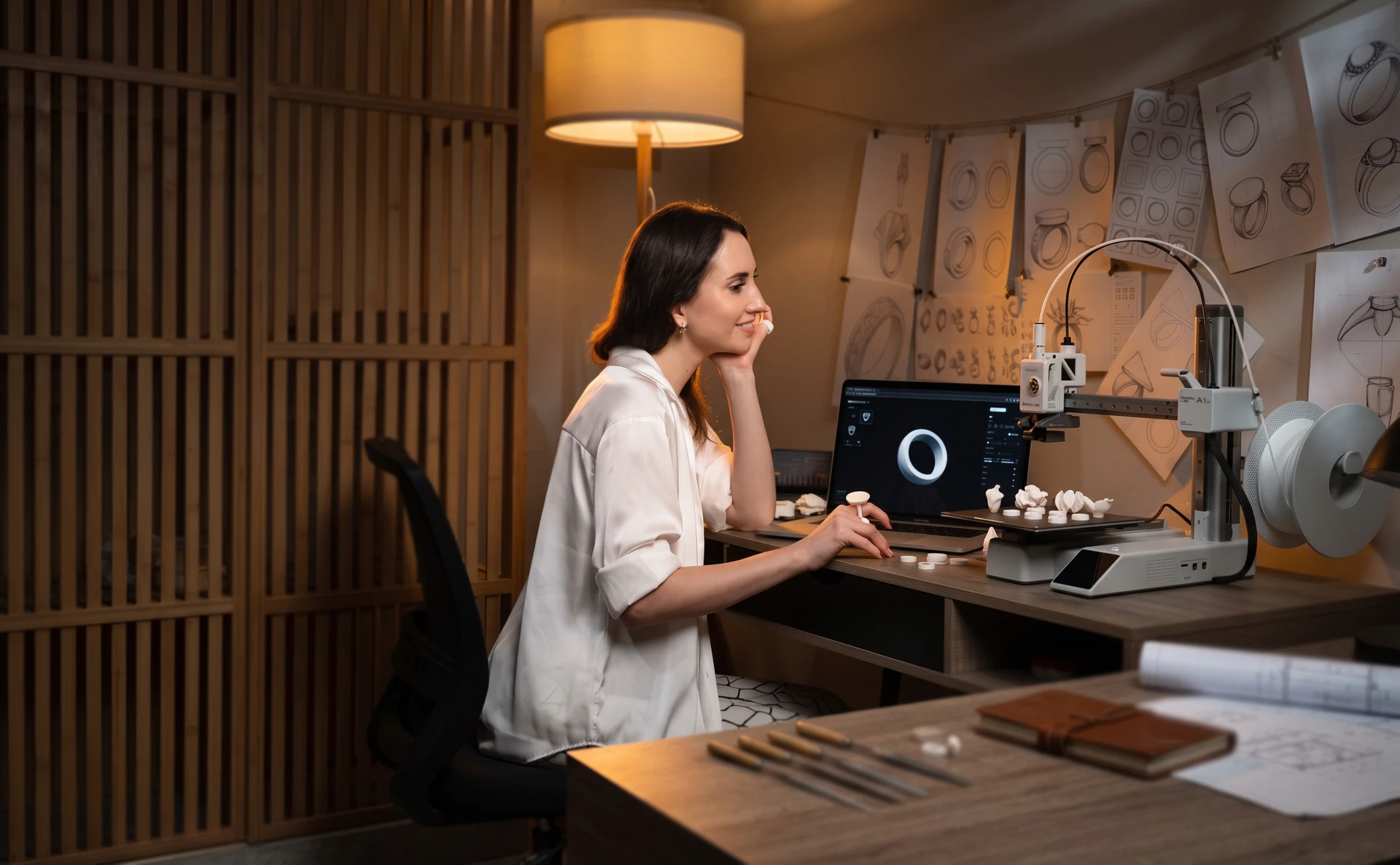
Design unique rings in Morcano Studio. Our built-in sizing system automatically adapts any shape and generates flawless, print-ready files.
What it is
Morcano Studio runs in your browser. You set the profile, width, text and pattern - every change rebuilds the real geometry, not a stretched preview - and the studio hands you a file that is ready for your printer.
How it works
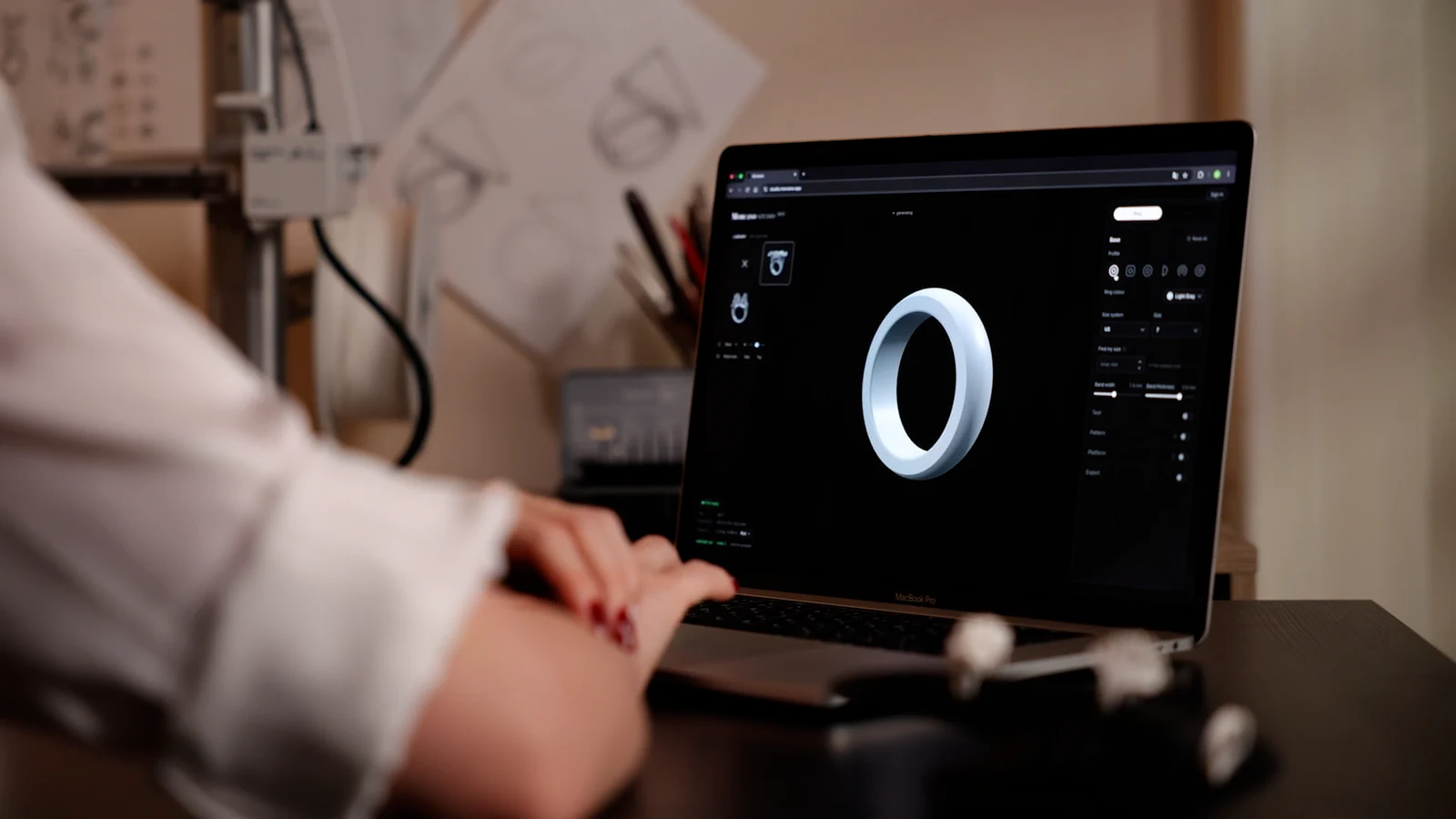
01
Shape the ring in the studio. Profile, width, size - each change rebuilds the geometry from scratch.
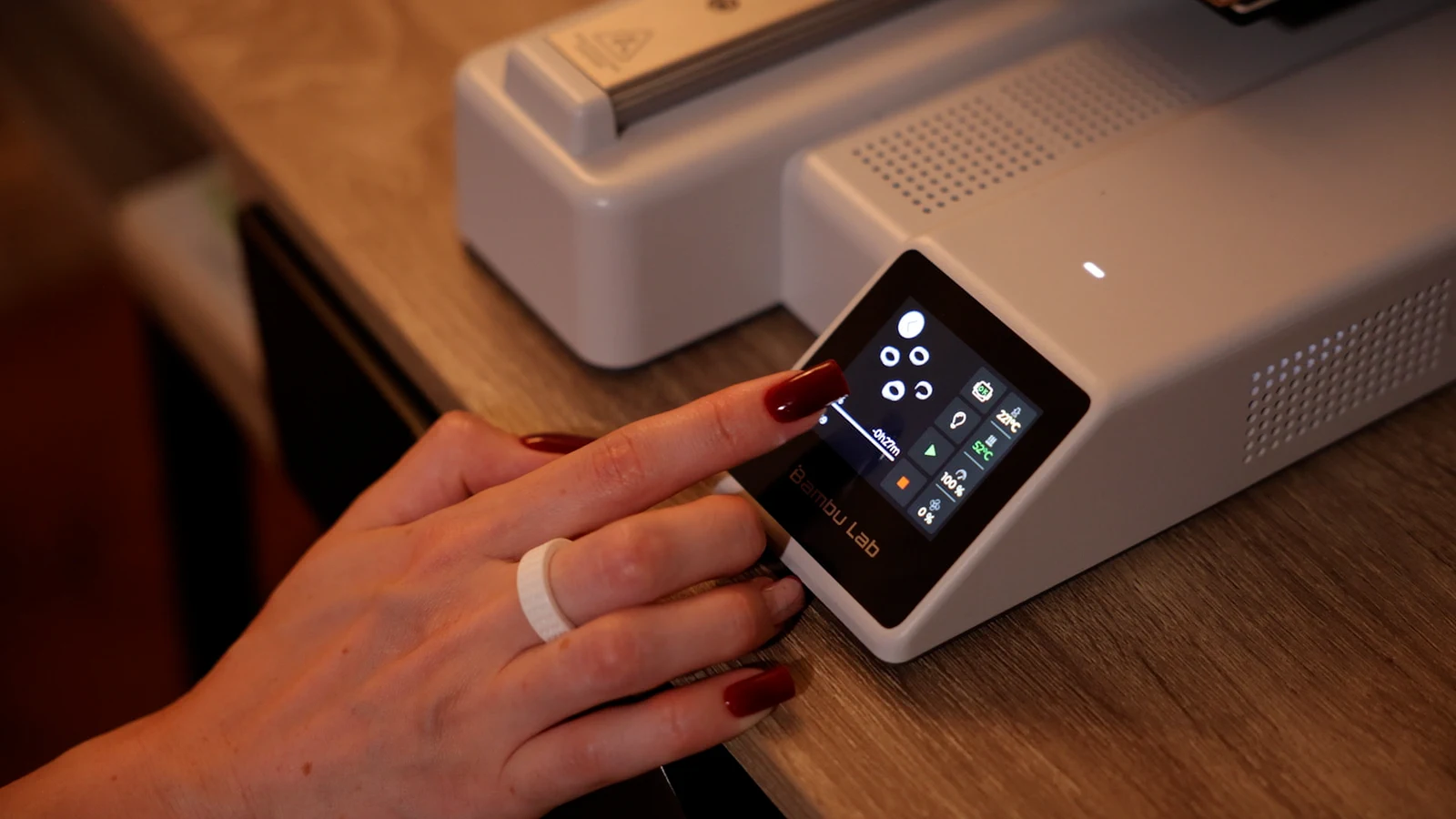
02
Send the export to the printer you already own. 3MF and STL, checked before download - no repair step.
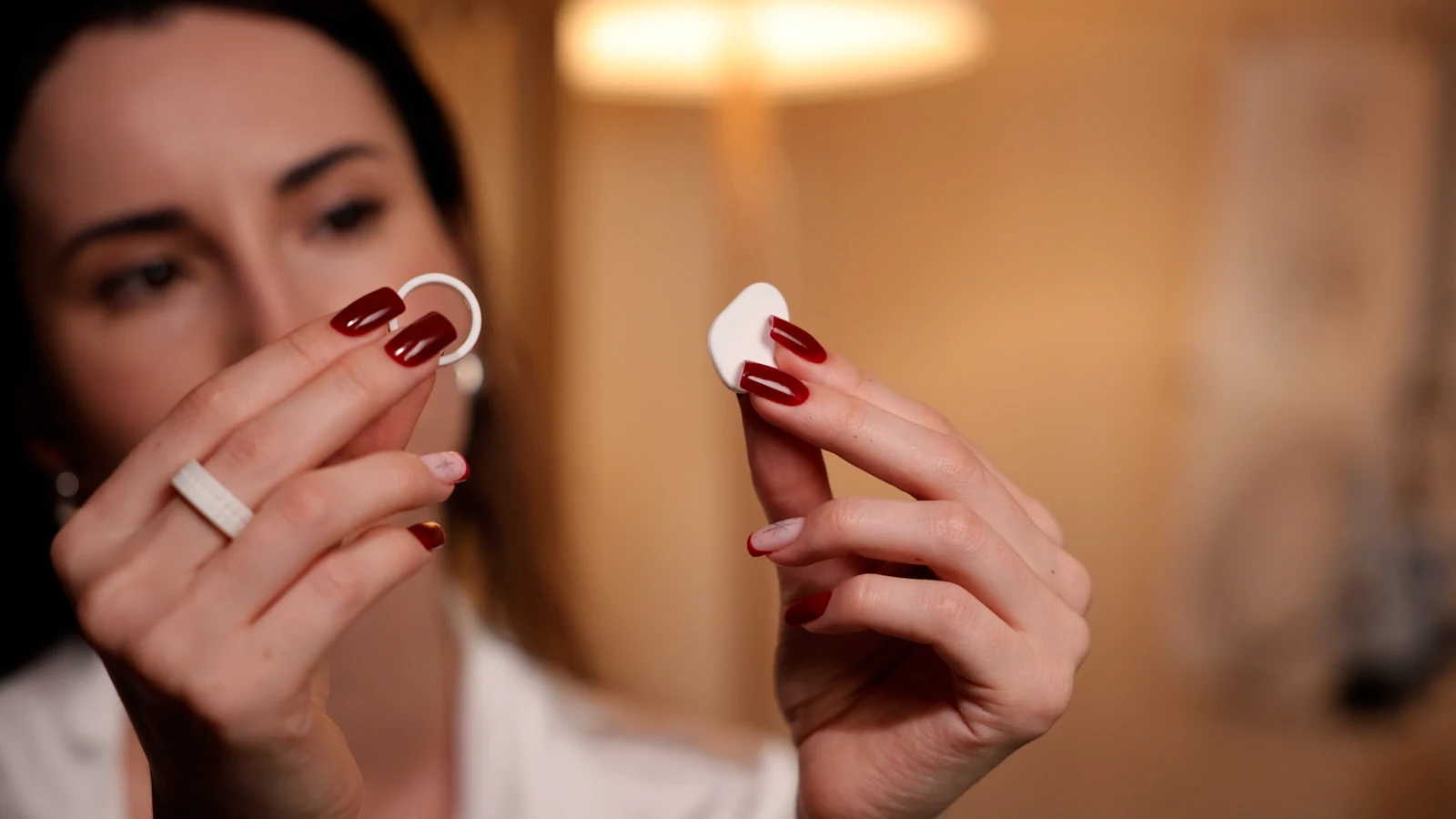
03
Take it off the plate and put it on. The inner fit is the size you chose.
The studio Opening soon
A live 3D viewport and one panel. What you see is the real mesh that will be exported - not a preview.
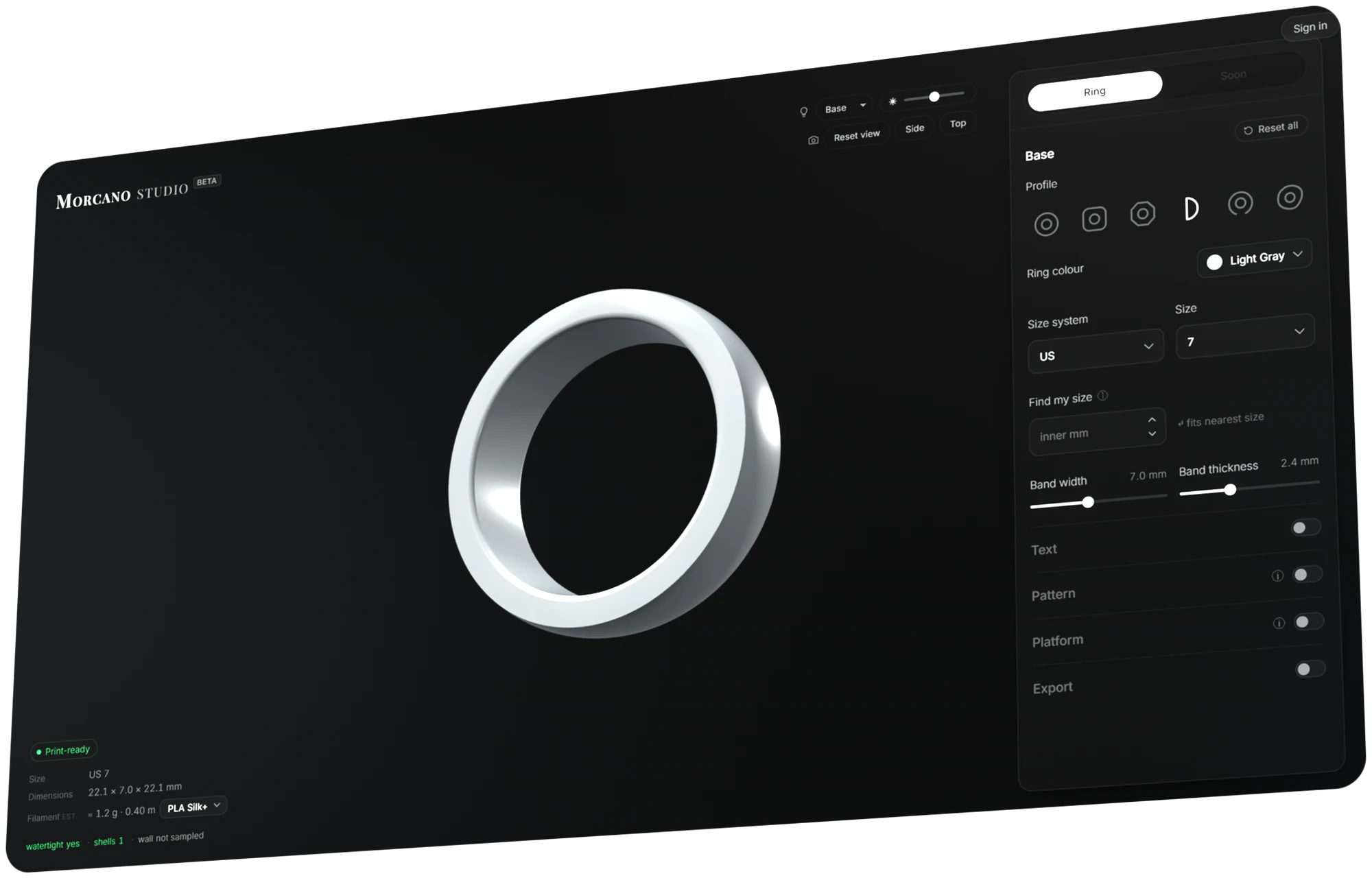
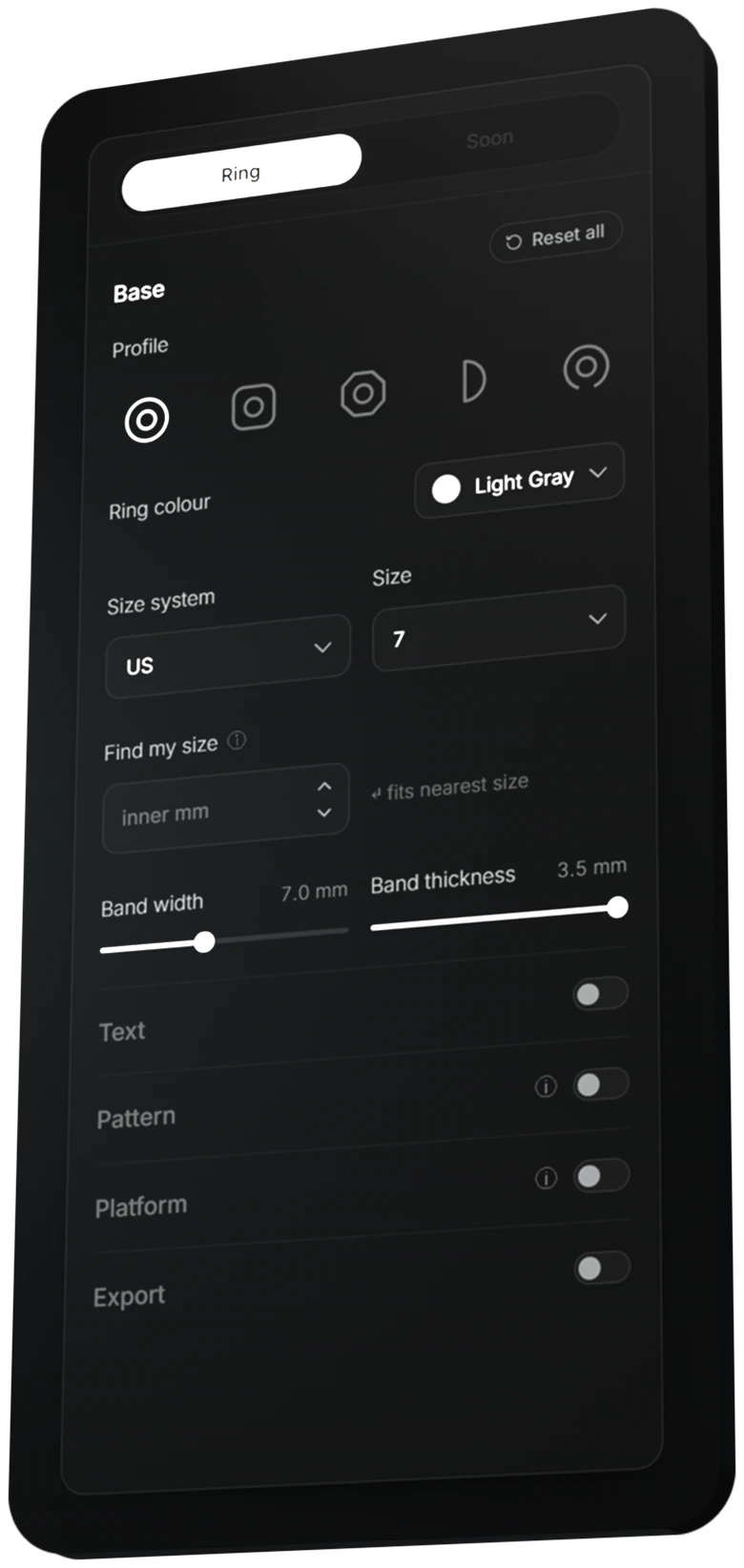
One panel
Profile, size, band width and thickness - then text, pattern, platform and export.
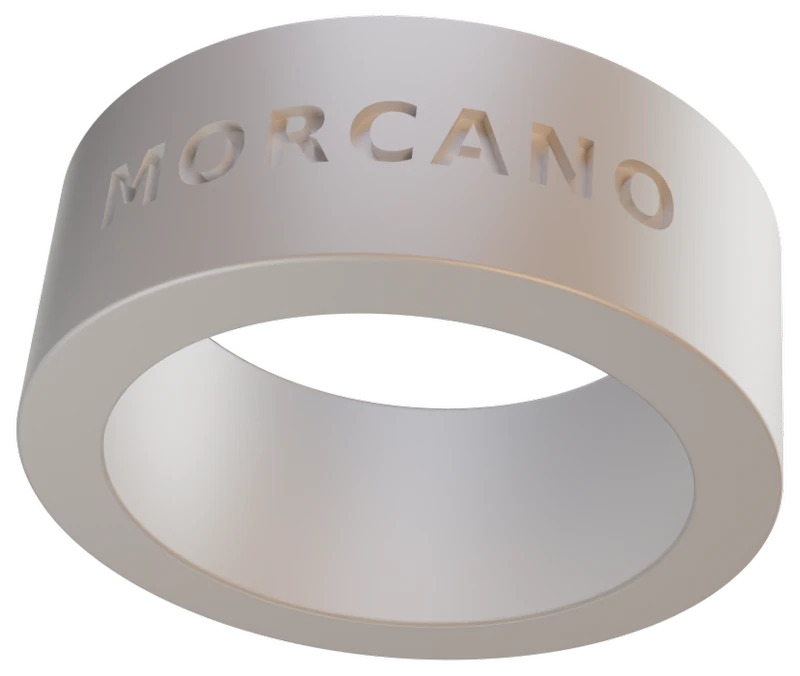
Text
Your words outside or inside the band.
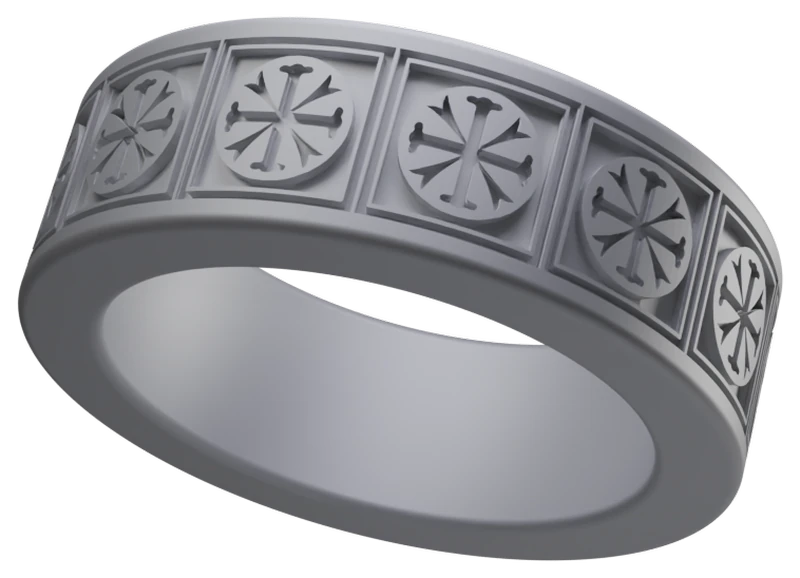
Pattern
Your own SVG, repeated across the band.
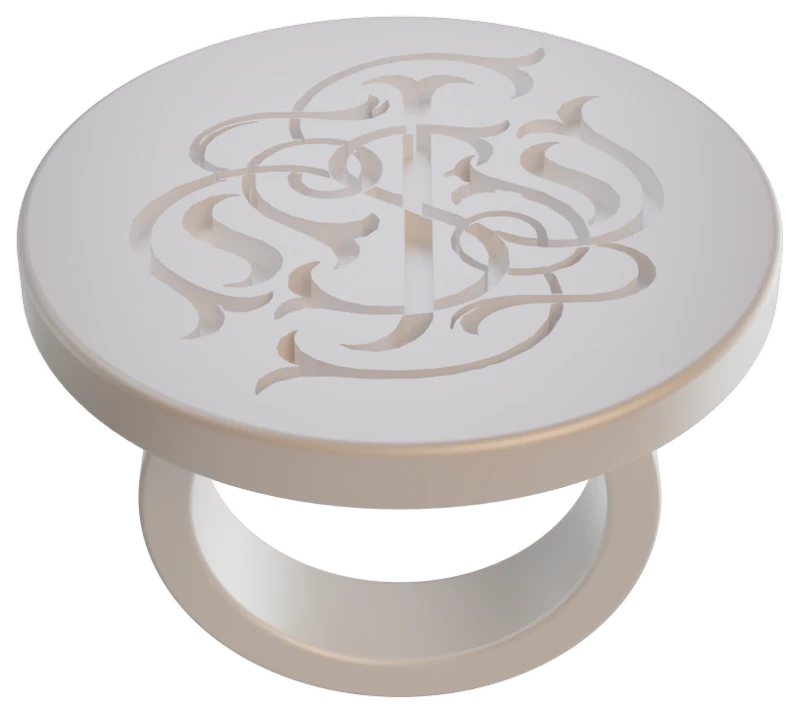
Logo
A monogram or mark on a flat top.
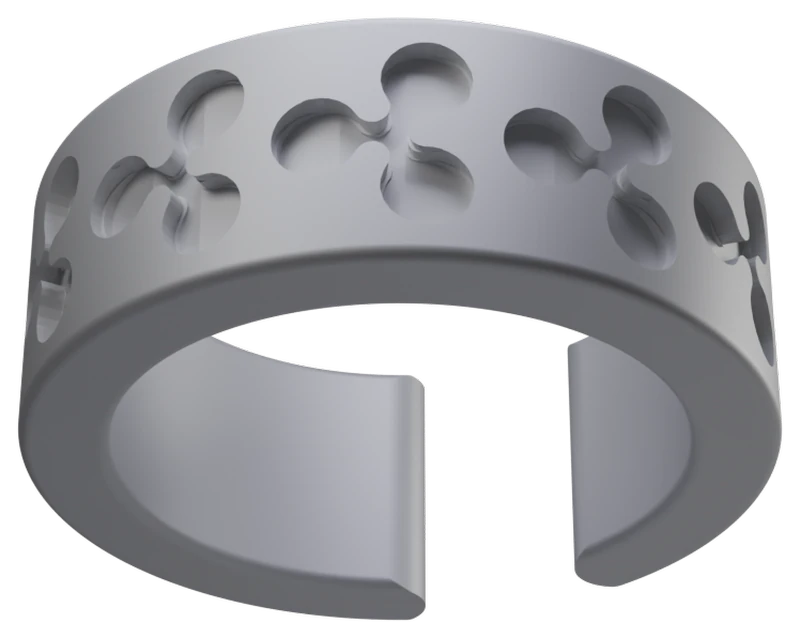
Cut-through
The same idea, cut all the way through.
My Designs
Save any ring to your own library, tag it to a client or order, and follow it from idea to finished piece - so a batch of gifts or a set of commissions never gets mixed up.
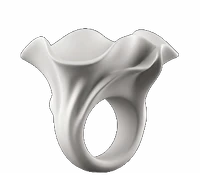
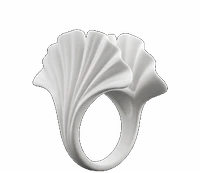
Renders of studio exports. Printed pieces are further down the page.
Print-ready
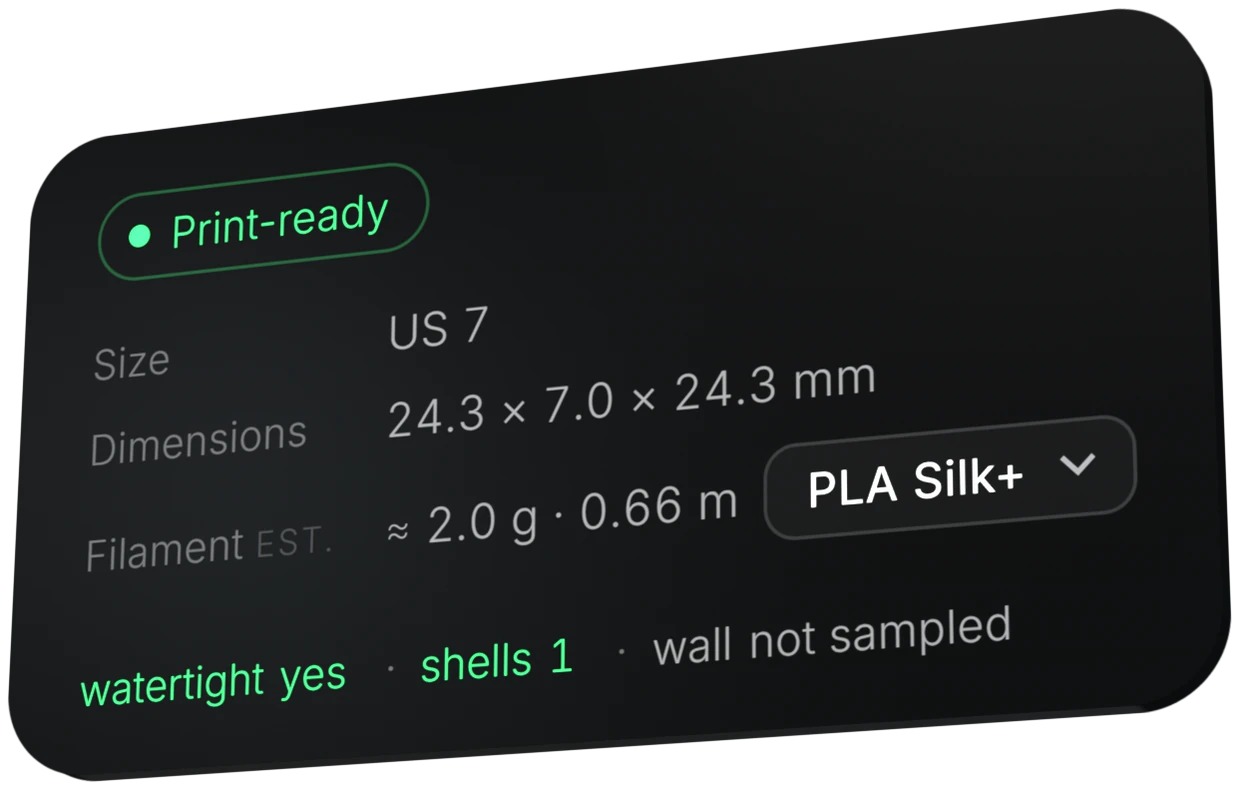
Every export is checked: closed geometry, a single shell, minimum wall thickness, real millimetres. If the parameters don't pass, the studio tells you which one to change instead of handing you a broken file.
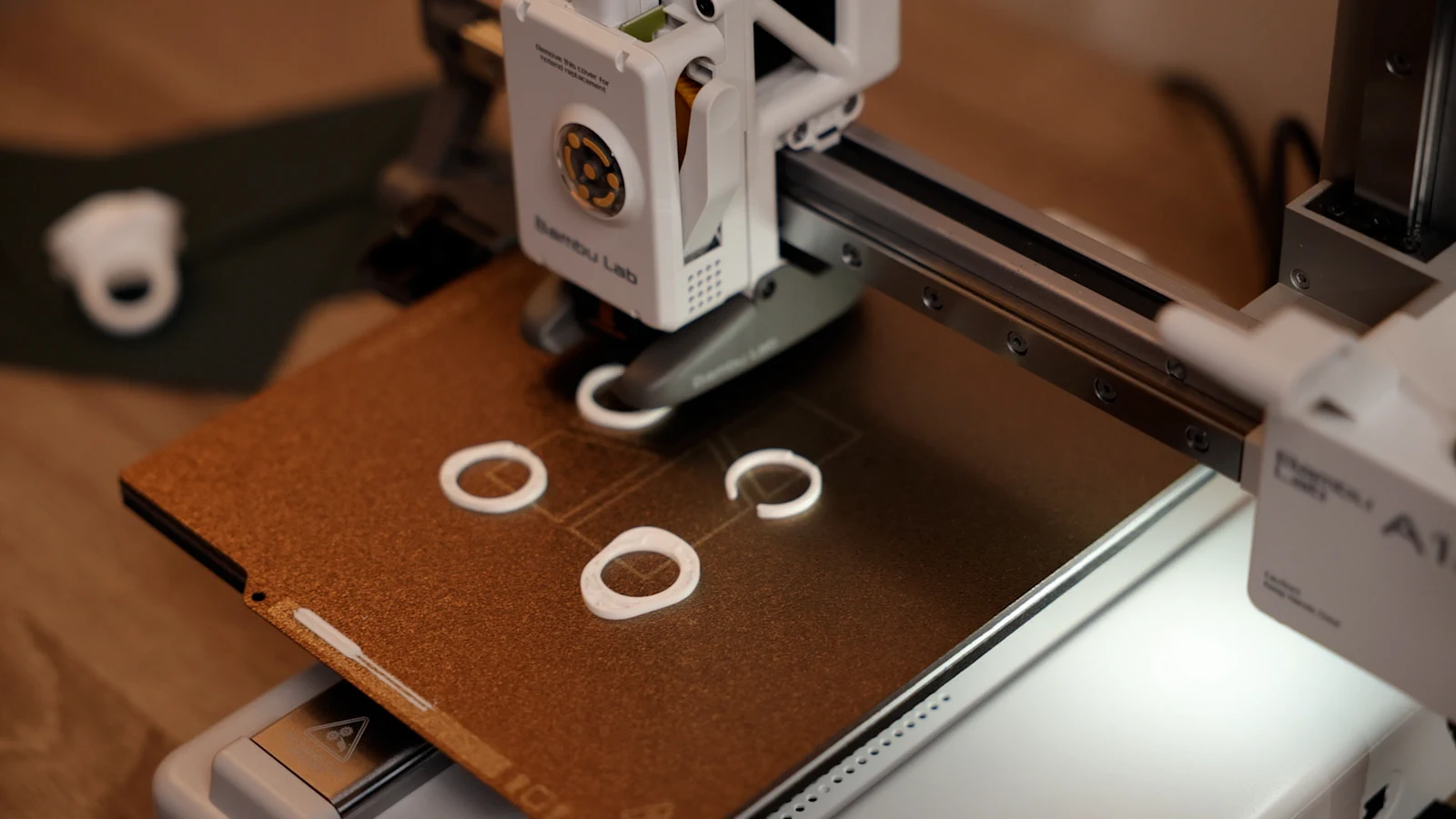
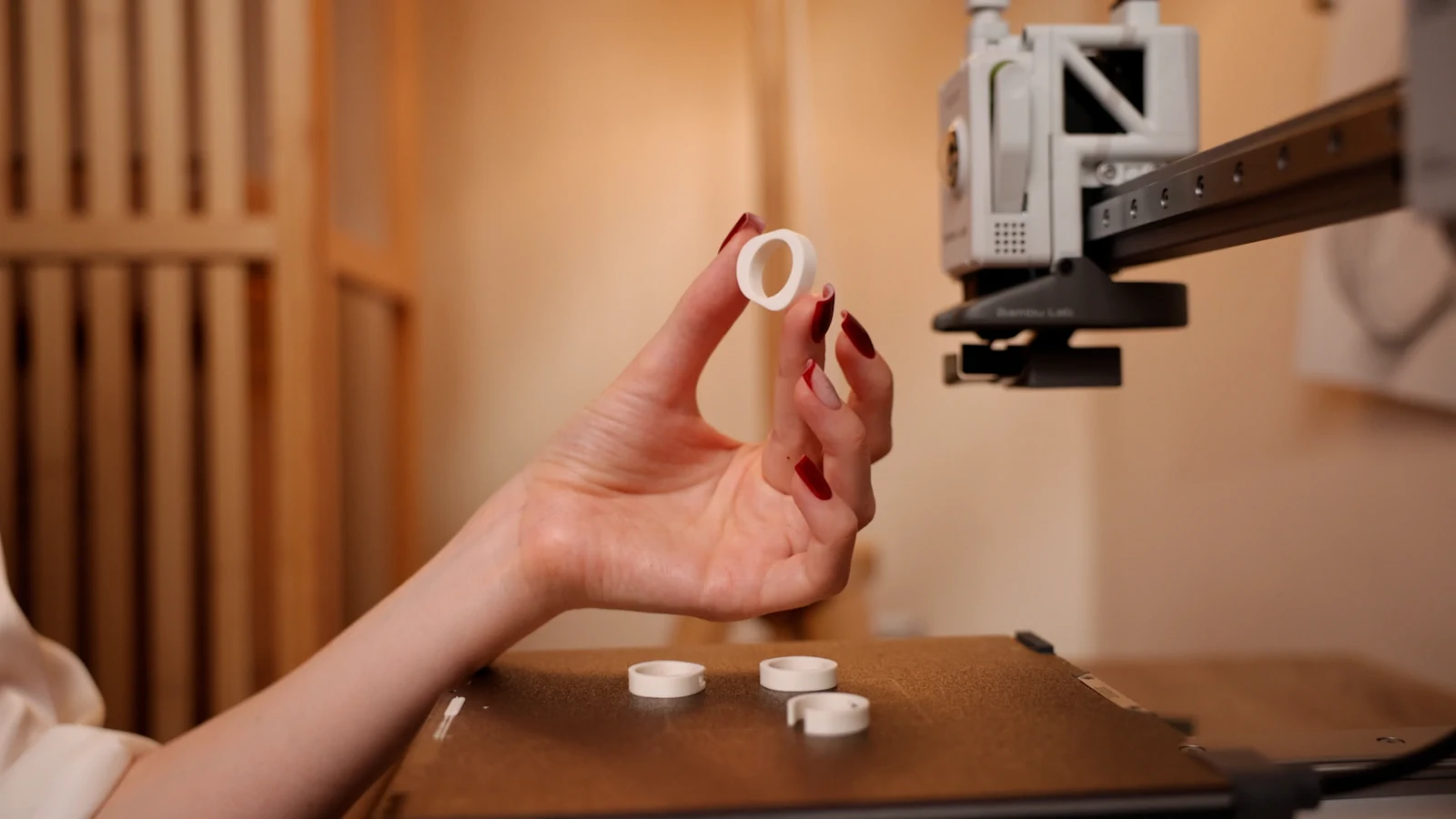
Real prints
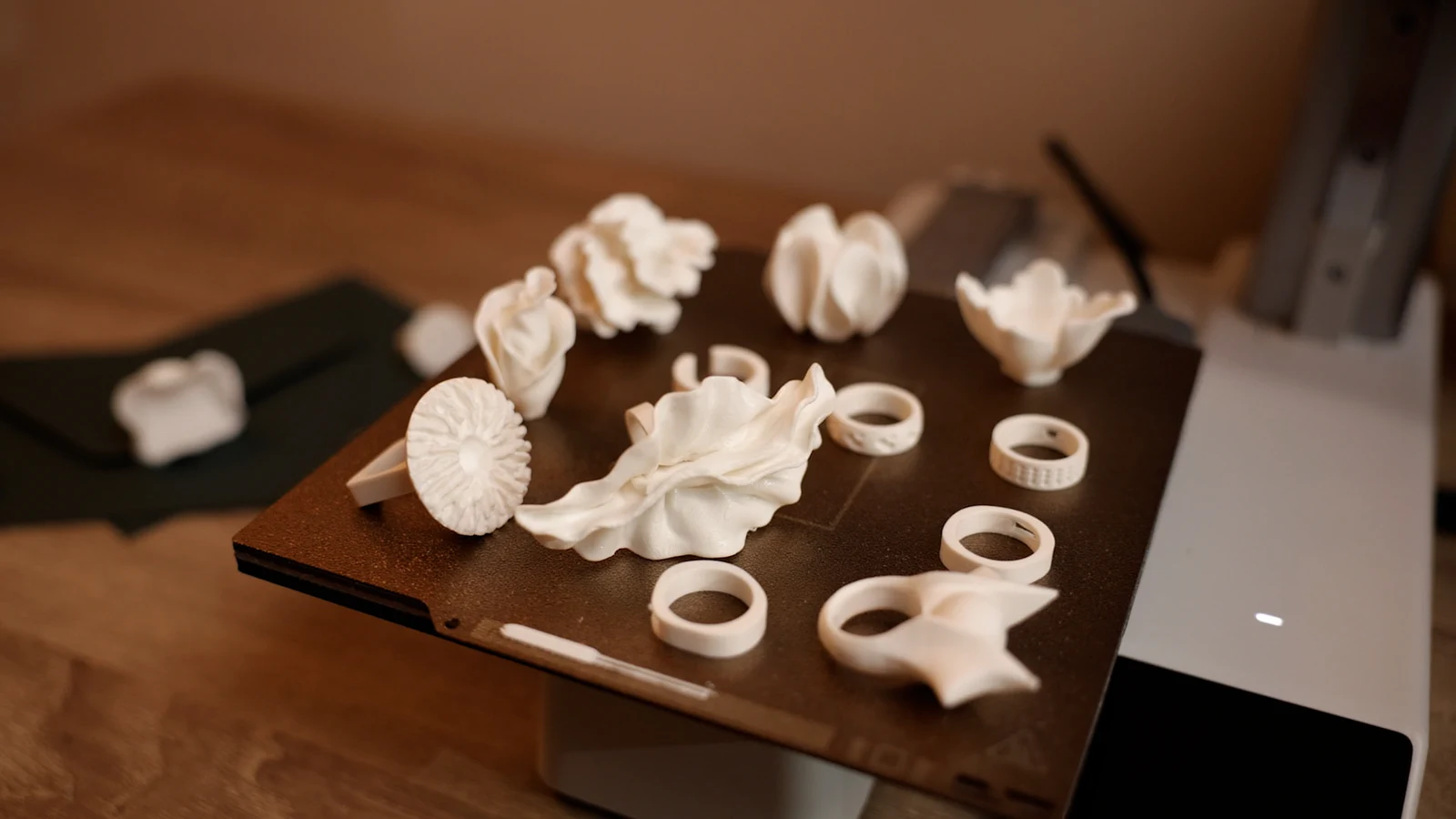
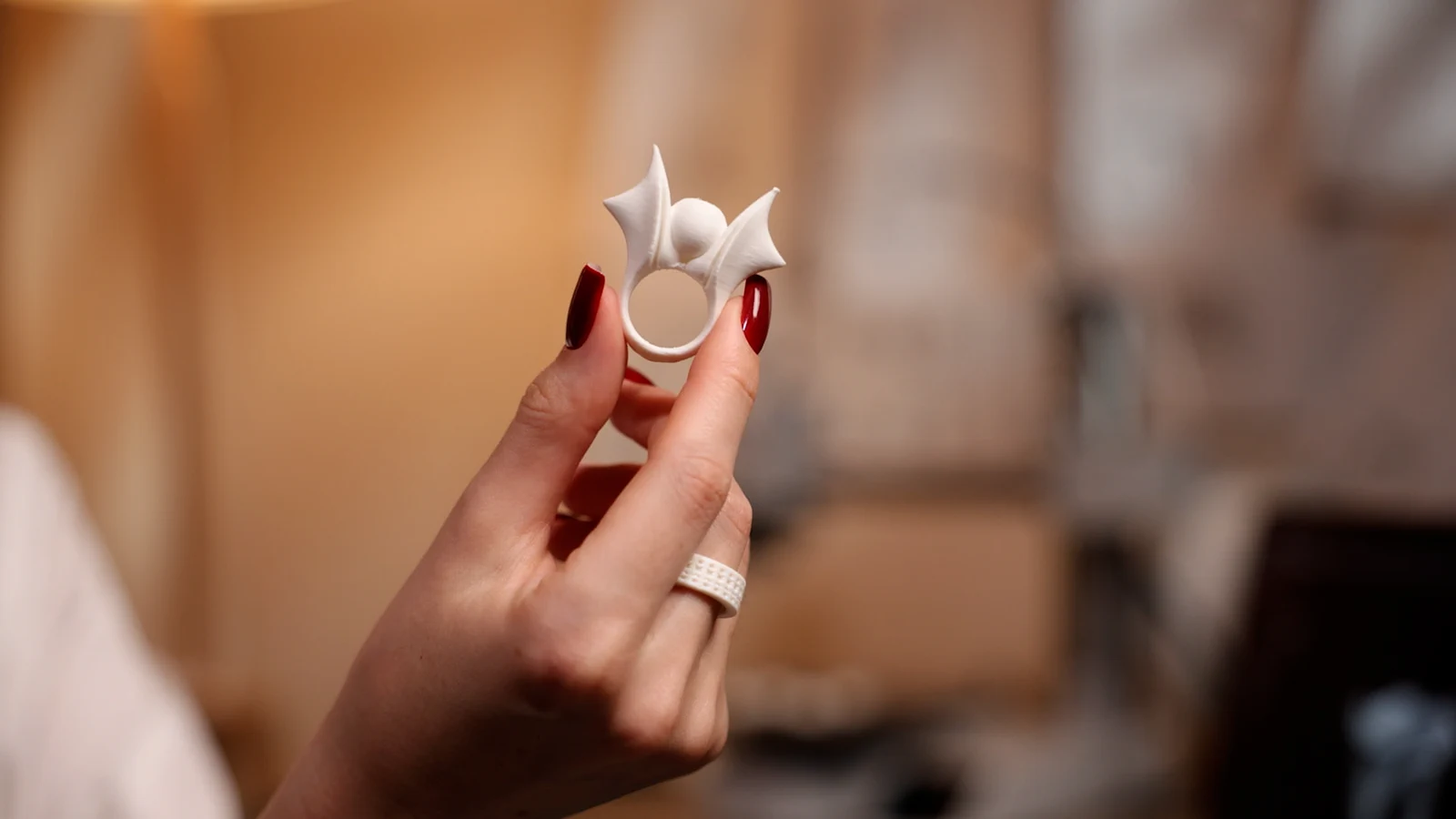
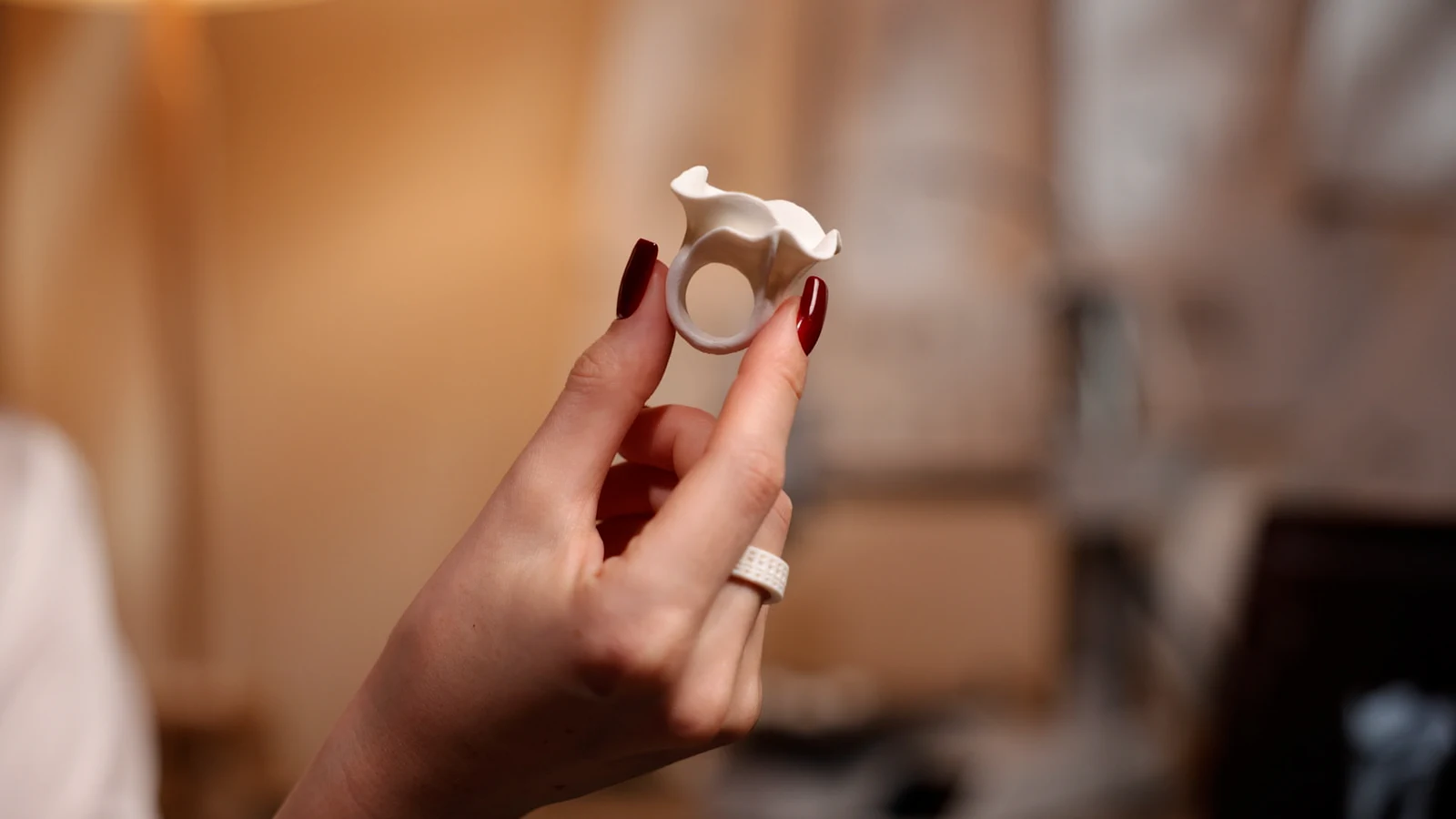
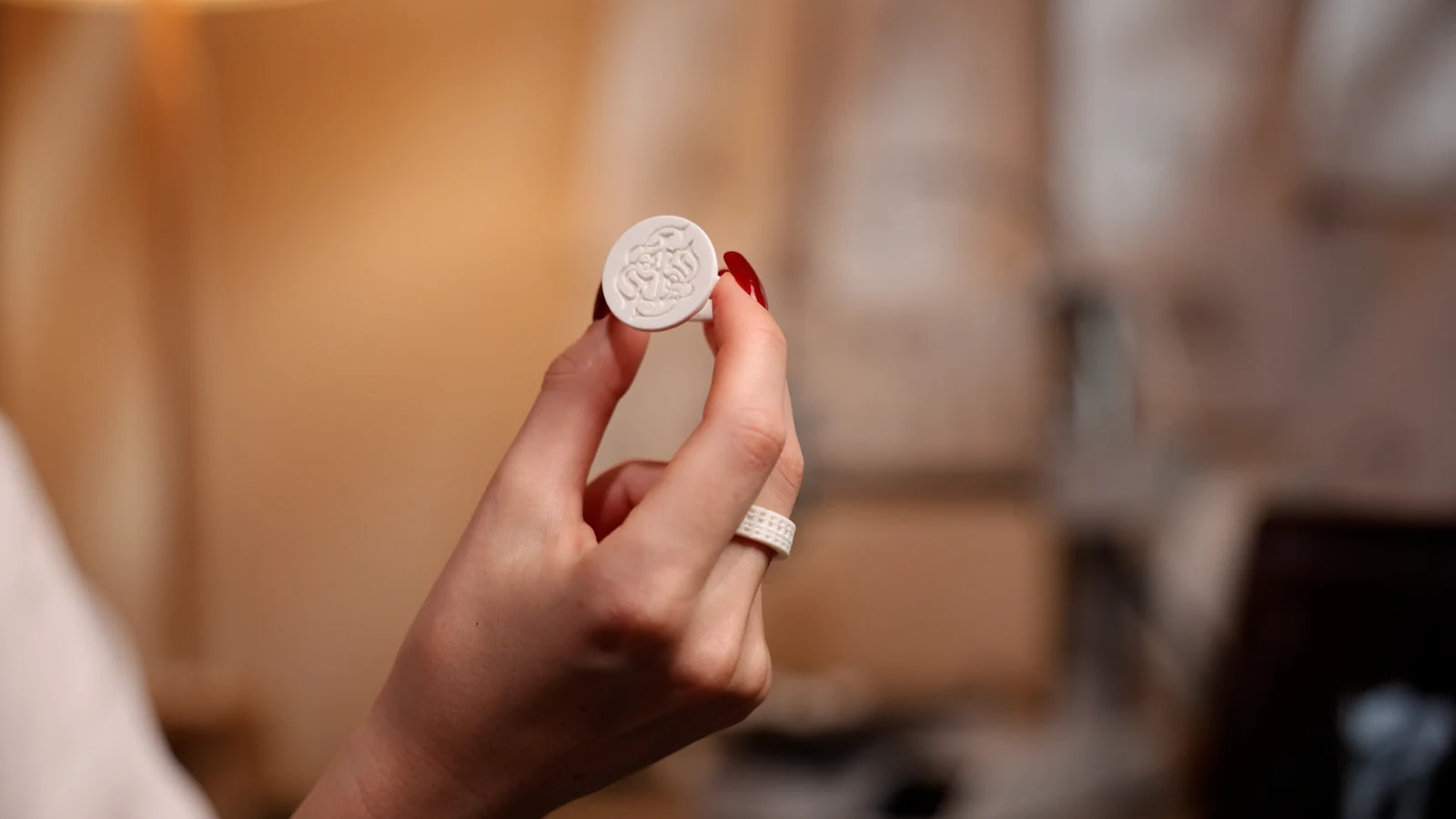
Studio exports, printed on a Bambu Lab printer and photographed as they came off the plate.
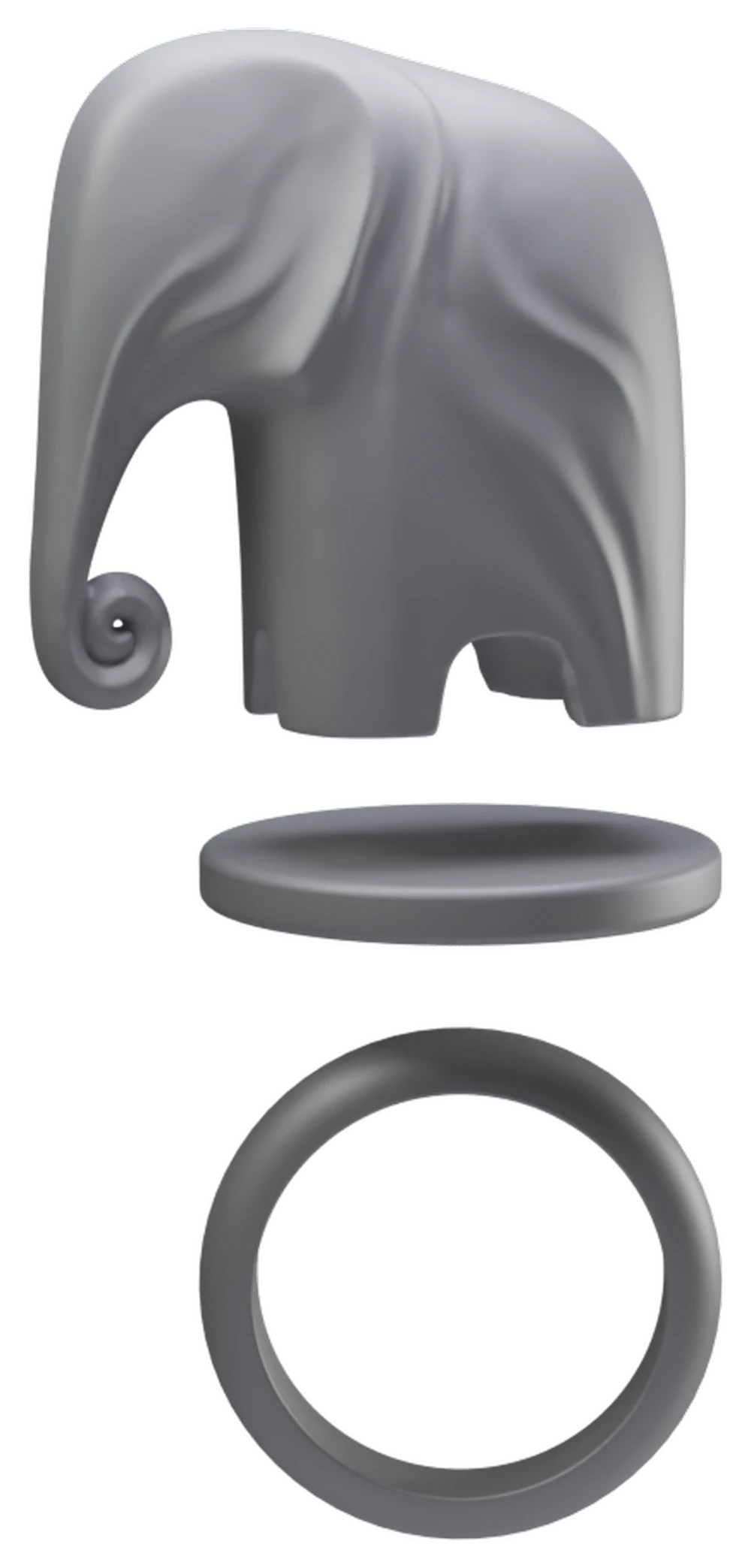
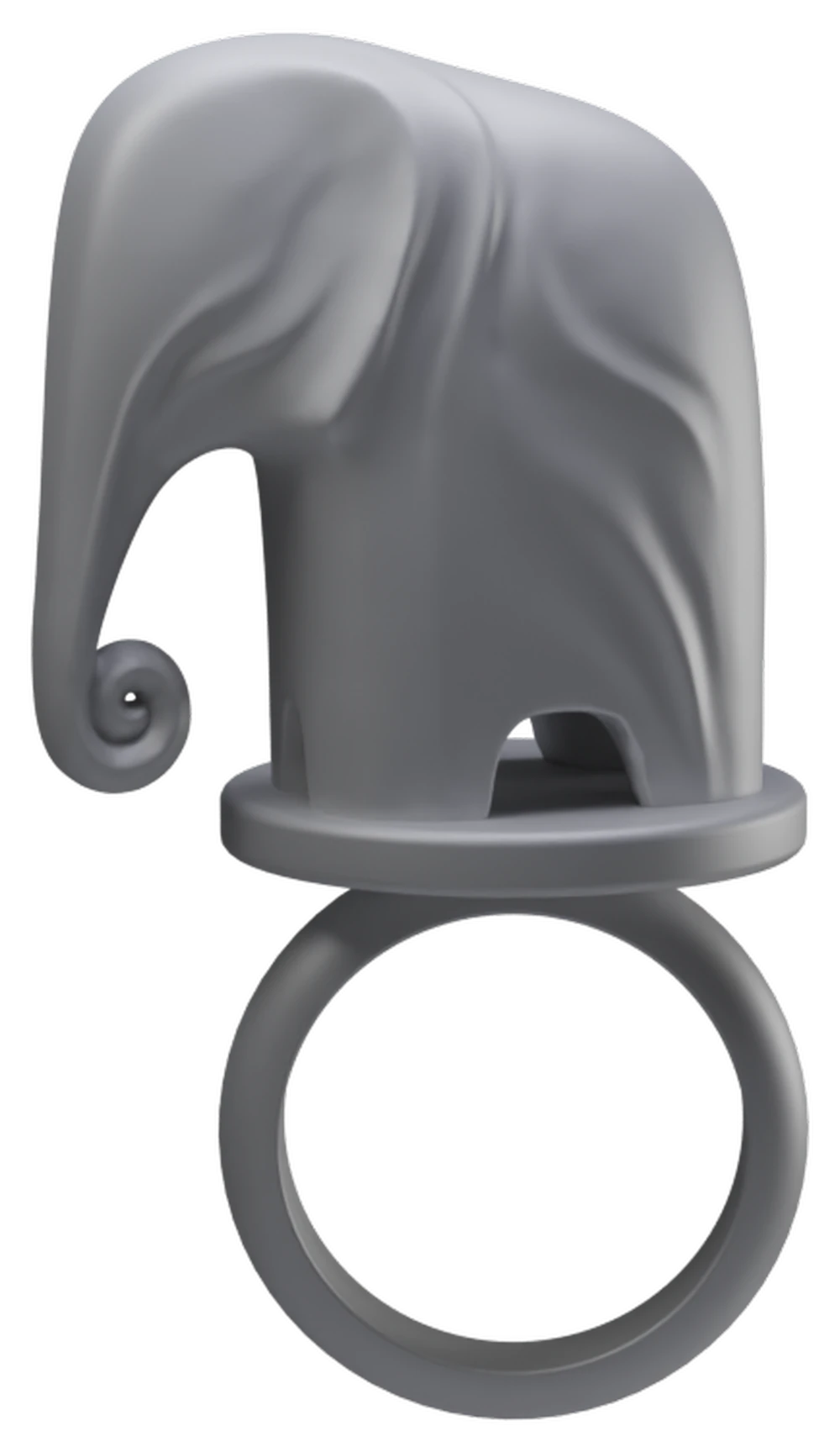
Your object, one body Beta
Upload any STL and place it on the platform. The studio merges ring, platform and object into a single watertight body - it prints as one piece, with no gluing and no manual cleanup.
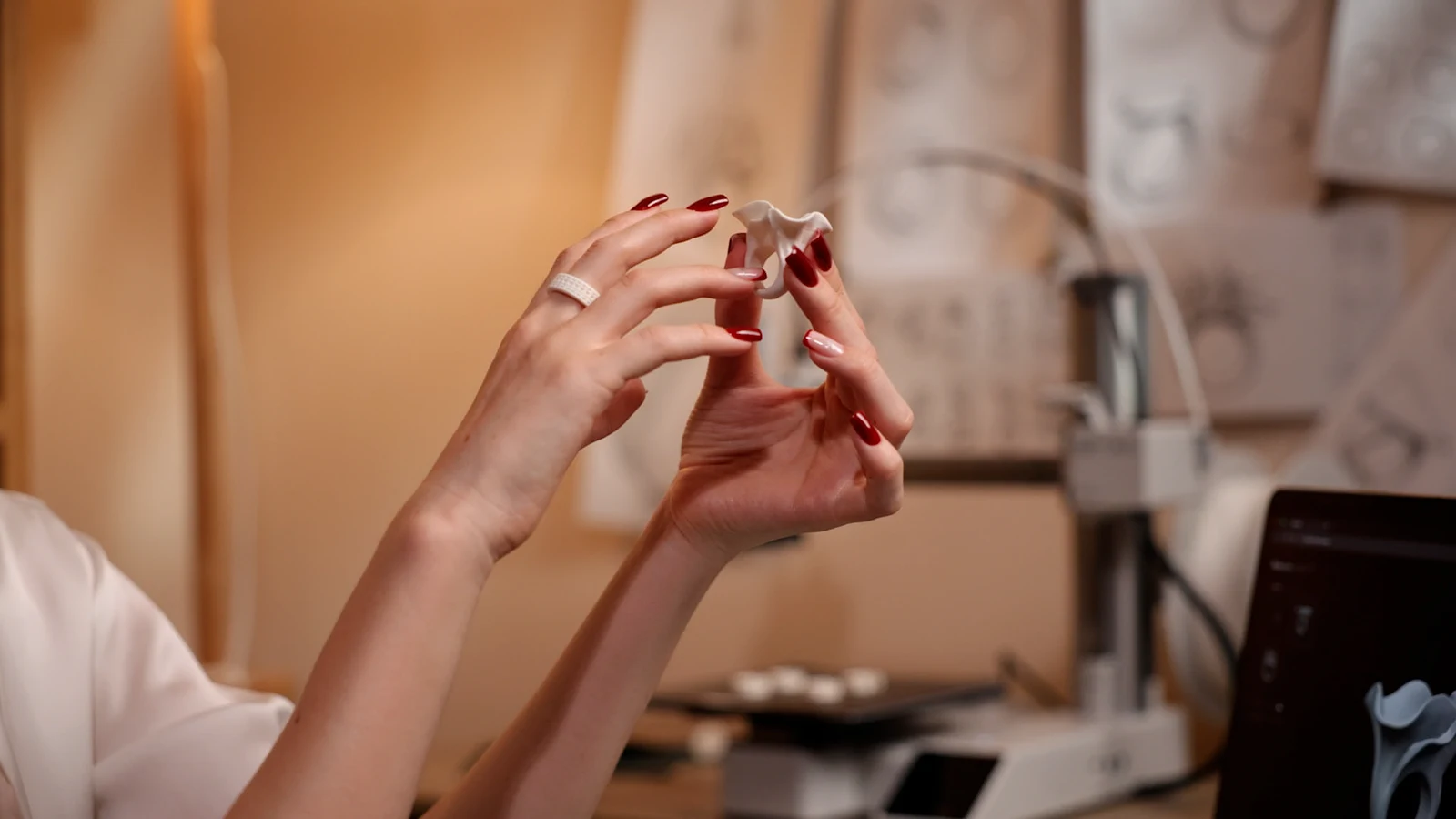
On the hand
Roadmap
Most of the studio is already live. The crowdfunding campaign will fund the libraries and the next object types.
Live 11

International ring size systems, matched to verified real print dimensions.
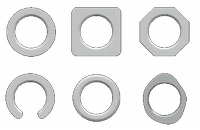
A range of cross-section shapes, with independent control over band width and thickness.
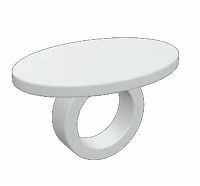
A base for your object or logo - adjust scale, height, rotation, bevel and shape.
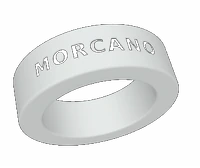
Your own text outside and inside the band; deep engraving stays clean on a standard 0.4 mm nozzle.
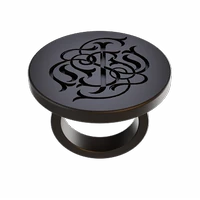
Your logo or monogram on a flat top face.

Every export is checked automatically: watertight geometry, single shell, minimum wall thickness.
STL and 3MF - AMS colours preserved, with the option to split the assembly into separate objects.
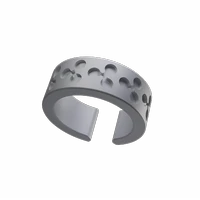
Apply your own pattern or logo across the surface of the band.
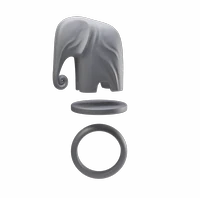
Drop in any STL and place it as the object on your ring.

Ring, platform and your object merge into one watertight body, print-ready with no manual cleanup.
Save your rings to a personal library, tag each to a client or order, and track them from New to Delivered.
In development
Q4 2026
Ready-made ring tops we model ourselves in Blender - continuously expanding.
Q4 2026
Ready-made patterns and engraving textures in one click.
Planned
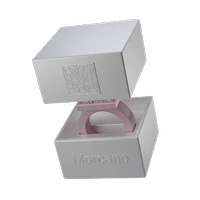
Starts Q4 2026
A parametric box or stand for your piece.
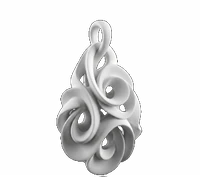
Starts Q4 2026
Pendants and earrings on the same procedural engine.
Beta - a first working version is released, with significant improvements to follow, guided by user feedback.
Who's behind this
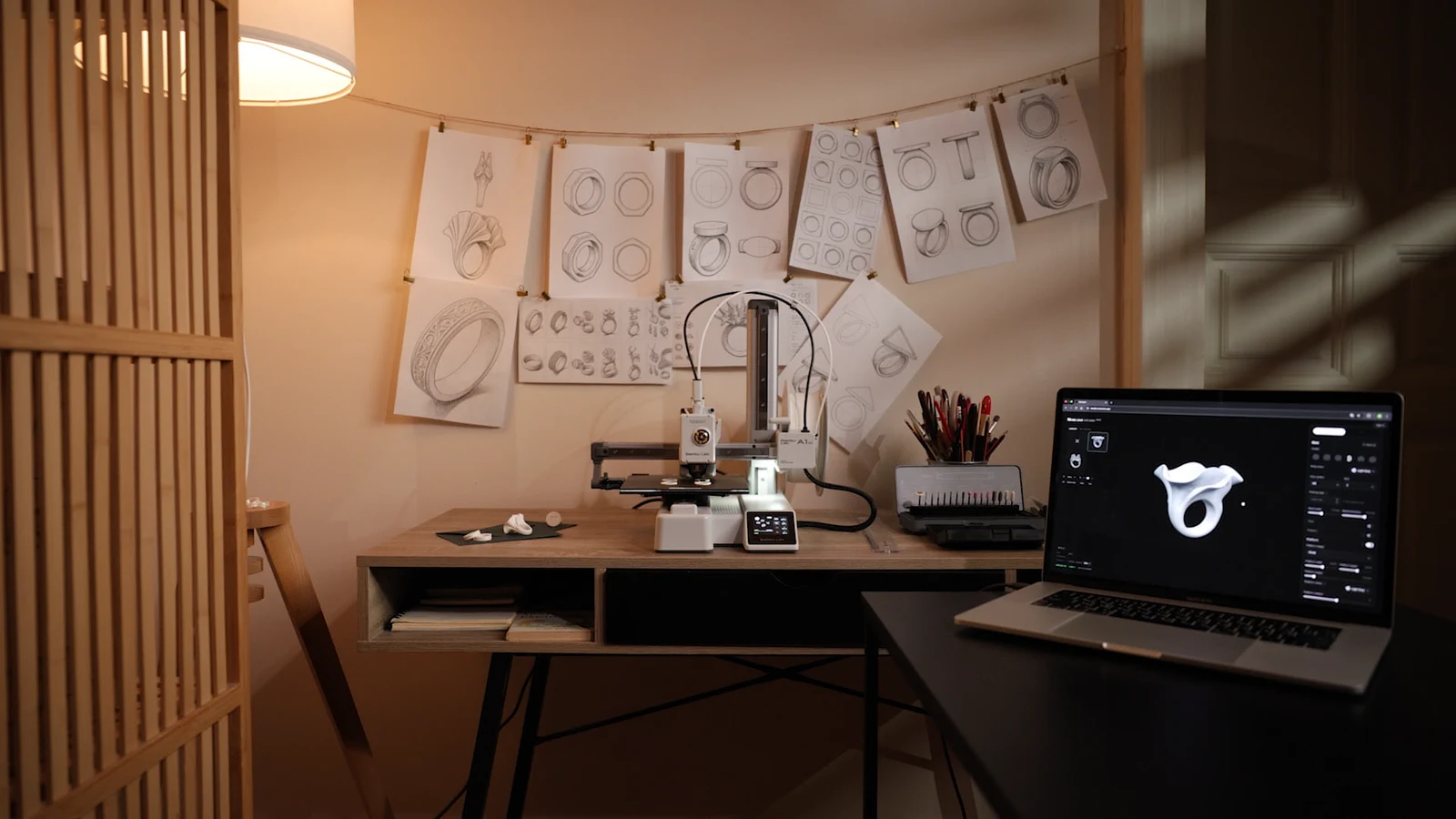
Morcano is an independent project by Alexander Priymak, who has worked in 3D for over a decade - Blender, animation, product design.
Moving from animation to jewelry changed what "finished" means. A form only has to look right on a screen; a ring either fits a hand or it doesn't, and a printer settles that within a few hours.
Every printed ring on this page was designed in the studio and printed at this desk. It's the same tool you'll be using.
Community
We share Morcano designs and prints on Pinterest, and the account is starting to pick up views. Here is where it stands.
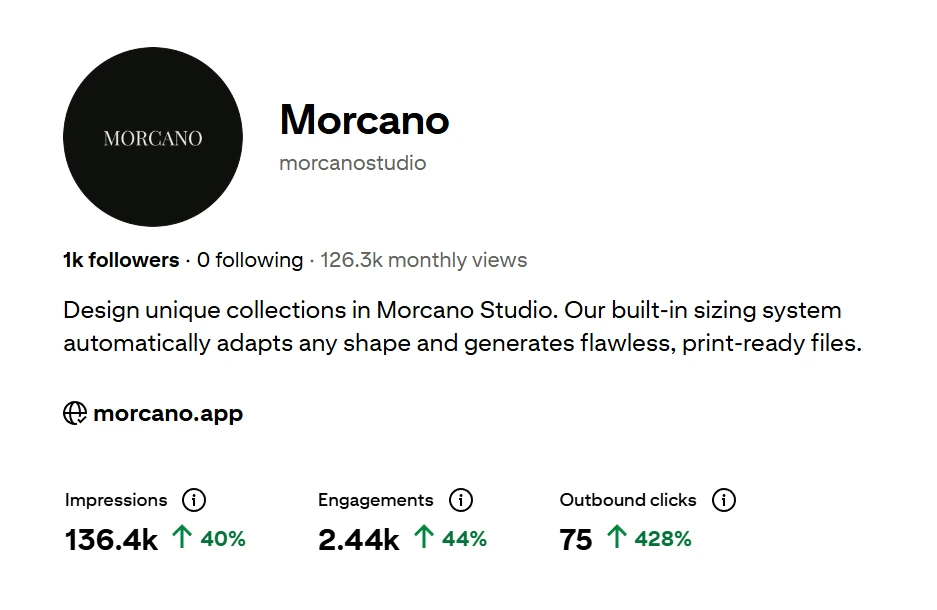
Pinterest analytics, September 2026.
Follow @morcanostudioFAQ
Morcano Studio is in private beta while we prepare the launch. Leave your email and you'll get one message the moment it opens to everyone.
A home FDM printer and standard PLA. The rings on this page were printed on a Bambu Lab printer.
No. You work with a handful of controls - profile, size, width, text, pattern, platform. You never touch raw geometry.
It doesn't need to. Upload an STL, place it on the platform, and the studio merges ring, platform and object into one watertight body. You print a single piece - no glue, no assembly. This is in beta and improving with feedback.
Choose a standard size such as US 7 and the studio sets the exact inner diameter. Only the fit changes - the shape stays the way you designed it.
STL and 3MF in real millimetres. 3MF keeps AMS colours, and you can split the assembly into separate objects if you prefer.
Every export is checked before it downloads - watertight geometry, sufficient wall thickness, a single shell. If a setting won't hold up, the studio tells you which one to change.
While Morcano Studio is in free beta, rings you print from your own designs are yours to sell. What you cannot resell or redistribute are the studio's own library models and the exported files themselves. Commercial terms for the studio will be published before any paid plan launches.
Early access
Morcano Studio is in private beta. Leave your email and you'll be among the first to design your ring when it opens.